October 5, 2026
Why Is My Internet Slow? 10 Common Reasons & Fixes
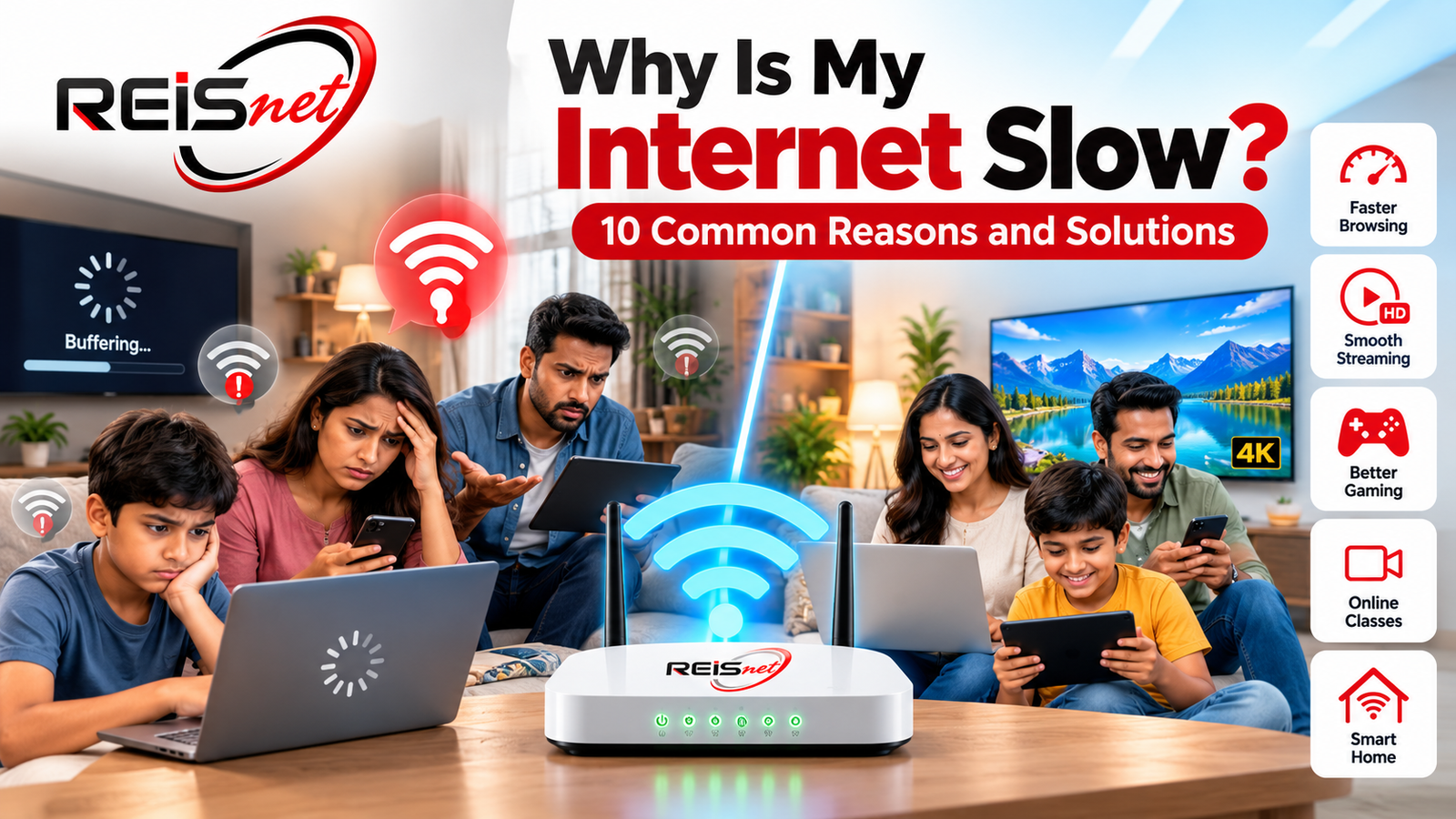
A slow internet connection can be frustrating, especially when you are working from home, attending online classes, watching videos, playing games, or using multiple devices at the same time.
If your internet suddenly feels slower than usual, the problem may not always be your broadband connection. Your Wi-Fi signal, router location, connected devices, background downloads, network congestion, or even your device can affect your internet experience.
In this guide, we explain 10 common reasons why your internet may be slow and what you can do to improve your connection.
1. Too Many Devices Are Connected
One of the most common reasons for slow internet is having too many devices connected to the same Wi-Fi network.
Smartphones, laptops, smart TVs, CCTV cameras, tablets, gaming consoles and other smart devices may all use bandwidth simultaneously.
For example, if several family members are watching HD videos while another person is attending an online class, your available bandwidth can quickly become limited.
What you can do
- Disconnect devices that are not being used.
- Check the connected-device list in your router.
- Avoid unnecessary background streaming.
- Consider a higher-speed broadband plan if your household has many users.
2. Your Wi-Fi Router Is Too Far Away
The distance between your device and the Wi-Fi router has a major effect on connection quality.
Walls, doors, furniture and other obstacles can weaken the Wi-Fi signal. This is particularly noticeable when using Wi-Fi in bedrooms, upstairs rooms or areas far from the router.
Solution
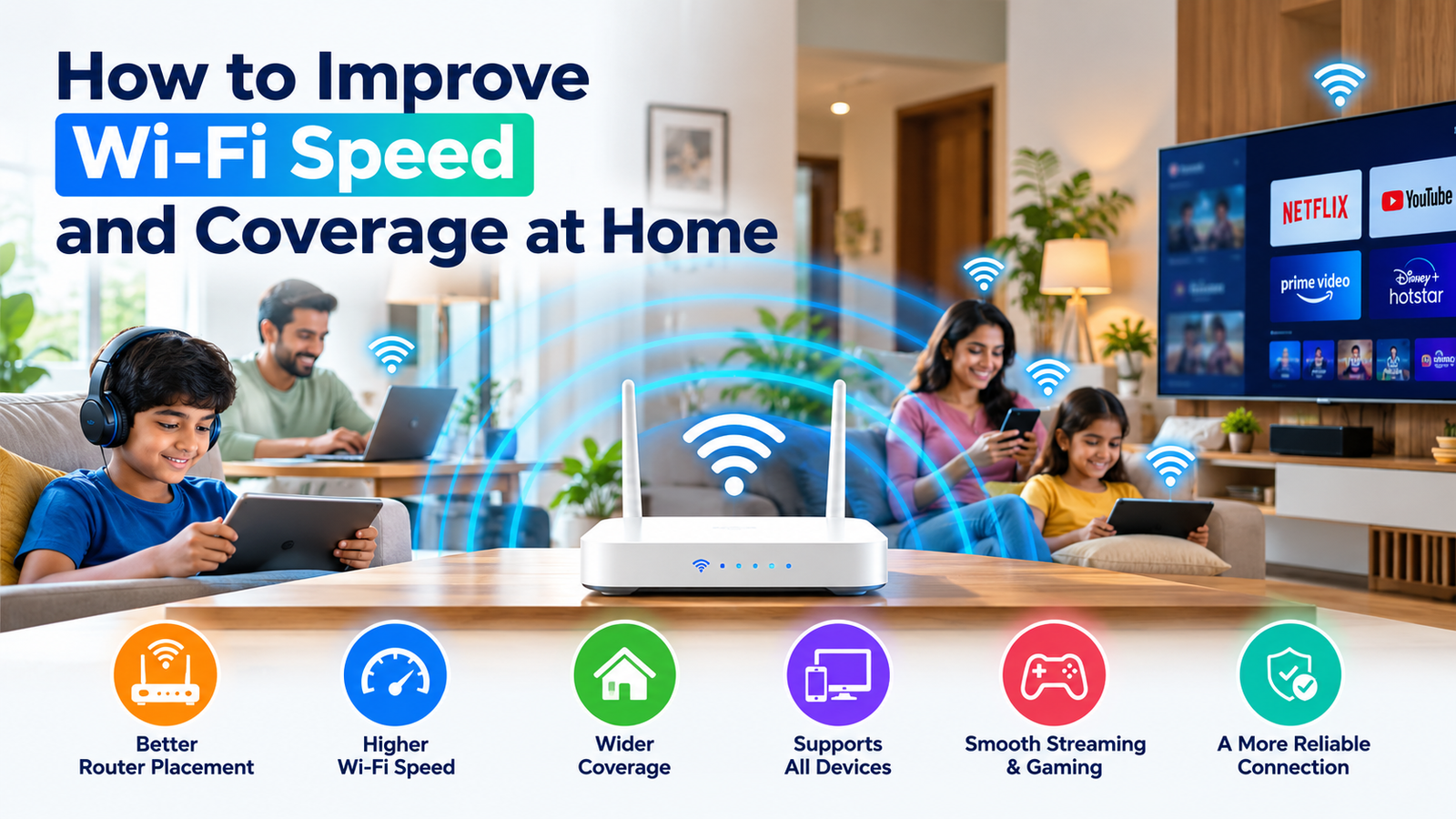
Place your router in a central and elevated location.
Avoid keeping it:
- Inside a cupboard
- Behind a television
- On the floor
- Near large metal objects
- In a closed cabinet
For larger homes, a mesh Wi-Fi system or additional access point may provide better coverage.
3. Your Wi-Fi Signal Is Weak
Sometimes your broadband connection is working perfectly, but the Wi-Fi signal reaching your device is weak.
A weak Wi-Fi signal can result in:
- Slow browsing
- Video buffering
- Disconnections
- High latency
- Poor download speeds
Move closer to the router and perform a speed test. If the speed improves significantly near the router, your broadband connection may not be the problem—the issue could be Wi-Fi coverage.